
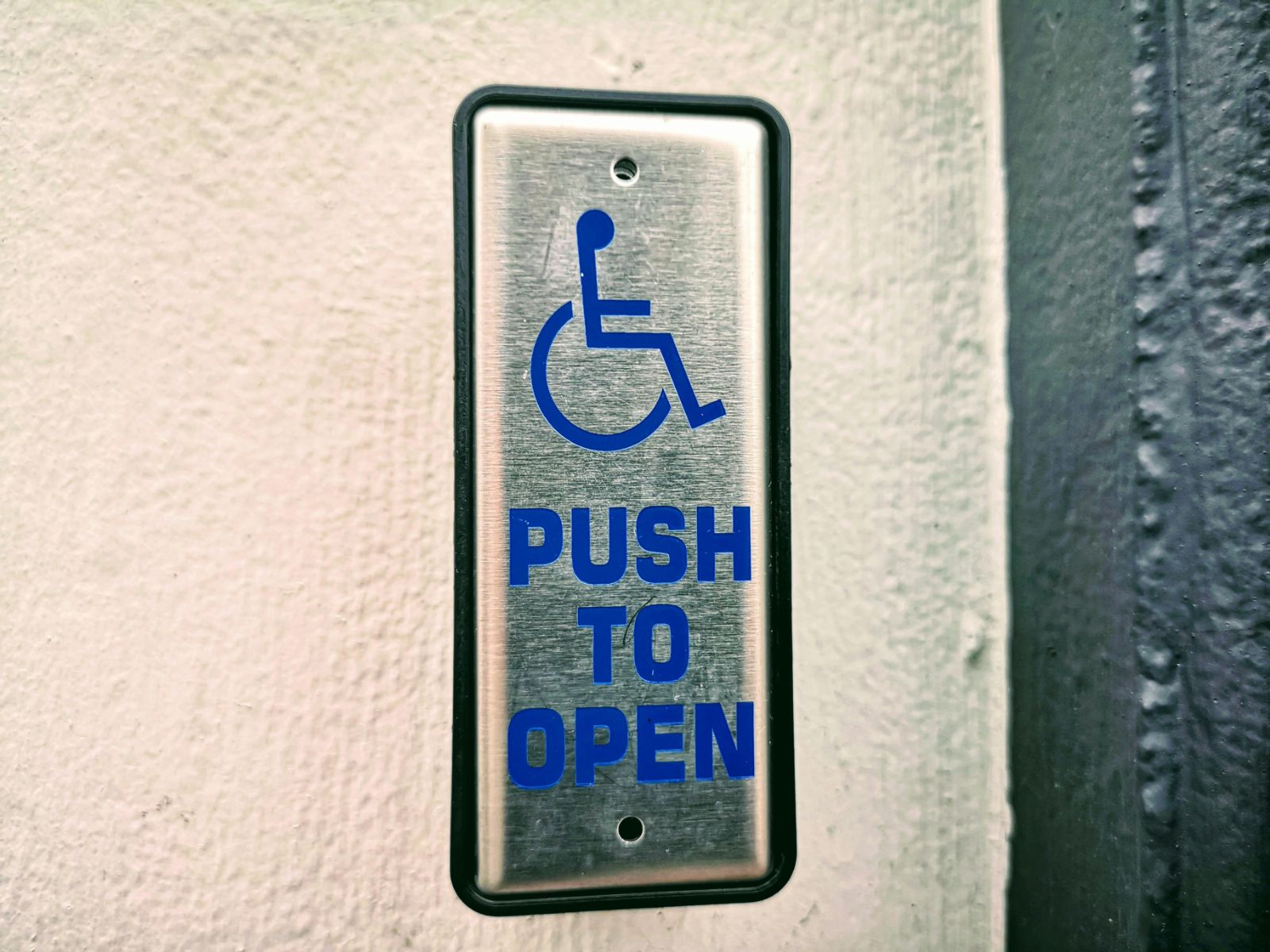
2026 is shaping up to be the year that accessibility is no longer just a nice-to-have – it’s a must, right up there with engaging copy and click-worthy headlines. You’re not alone if all these new ADA regulations have you feeling like you’re spinning plates. Let’s break down what it really takes to make your blog open to everyone, keep you safely inside the law, and grow your audience in the process. No fluff, no stuffy legalese – just straight talk and a dash of human wit.
Why Should You Care About Accessibility?
Accessibility isn’t just a warm-and-fuzzy “do the right thing” anymore. According to the latest updates from the Department of Justice, websites (including your blog) need to live up to WCAG 2.1 Level AA standards by specific deadlines, depending on your audience and reach. Sure, government sites were first in line, but private businesses are now feeling the heat too – nobody likes a lawsuit, and you’d rather spend time writing than defending. And here’s a bonus: making your content accessible can draw in bigger audiences and build more trust along the way.
WCAG: The Accessibility Rules You Can’t Ignore
Sit tight, because WCAG isn’t just some mysterious acronym. It’s the rulebook you need to follow to keep your blog compliant and lawsuit-free. More and more courts are siding with the standards laid out by the Level Access ADA requirements guide. Think of it as your north star – before you draft, edit, or hit publish, make sure those WCAG 2.1 Level AA marks are checked off.
Five Crucial Ingredients for an Accessible Blog
Worried this all sounds too technical? Don’t be. The latest accessibility checklist boils it down to five spots you absolutely can’t ignore:
- Color Contrast: Make your text pop against the background. Don’t let anyone squint! Bold, clear color choices help your readers stick around (and meet those standards).
- Keyboard Navigation: Some folks never touch a mouse – so menus and buttons must be reachable with just a keyboard. It’s not only friendlier, it’s required.
- Semantic HTML: Every post deserves clean structure. Proper headings (h1, h2, and friends), specific alt text for images, and real descriptive links keep both screen readers and Google bots happy.
- Consistent Navigation: Don’t be that blog that hides its navigation needle in a haystack. Uniform menus and links help users feel at home, no matter which post they land on.
- Readability (Fonts & Formatting): If your font’s too tiny or crammed together, people bounce – fast. Stick to easy-to-read sizes and generous spacing. For more on smooth formatting, see the Nina guide to maximizing readability.
ADA Compliance: The Secret Sauce for SEO
Accessible blogs get a leg up in search results. Search engines reward well-structured HTML, logical links, and killer alt text. Plus, cleaner navigation keeps your bounce rate healthy. By opening the digital door to everyone, you’re making it easier for Google to send new eyes your way. If you want even more tips, the Nina team has rounded up some common SEO blunders and simple ways to dodge ‘em.
Legal Landmines: Stay a Step Ahead
Accessibility isn’t just about being nice – it’s about being smart. More organizations are getting hit with lawsuits, sometimes for obvious misses, sometimes for tiny slip-ups. The folks at A11Y Collective say it plain: fixing issues before they arise costs way less than scrambling to defend yourself later. Treat accessibility as essential as spellcheck – it’s peace of mind for your brand (and your budget).
Your 7-Step Accessibility Checklist
- Adjust Color Contrast: Try handy tools like the UserWay checker to catch hard-to-read color combos and swap them for accessible choices.
- Go Keyboard-Only: Leave the mouse on the shelf – can you get through your blog with just the keyboard? If not, it’s time to smooth out those bumps.
- Write Meaningful Alt Text: Each image deserves a thoughtful alt description. Don’t just say “image” or “photo” – describe what someone’s missing if they can’t see it.
- Mind Your Headings: Use headings in order (don’t skip from h2 to h4!) and stay consistent so readers and screen readers both can keep track.
- Clear Link Text: Stop using “click here.” Make every link’s purpose obvious, like “discover our accessibility resources.”
- Test with Screen Readers: Plug in a free browser extension and listen to how your content sounds. If you get confused, your users will too.
- Gather Real Feedback: The best insights come from people who use assistive tech every day. See if you can recruit testers or use expert guidance for honest input.
Baking Accessibility into Your Workflow
Don’t let accessibility become a once-and-done task you shove to the end of your to-do list. Instead, weave it into your content process from brainstorming all the way to publishing. Train your staff, lean on smart tools that spot issues early, and keep everyone in the loop. When accessibility is second nature, you save time while your blog shines. Curious about how this fits into the broader buyer’s journey? You can read more on how to craft engaging content for every step – and make sure it’s inclusive too.
Accessibility Doesn’t End – It Evolves
Tech changes, your website changes, and the rules can shift – all the more reason to make accessibility an ongoing priority. Regular audits, updates as new standards emerge, and responding to fresh user feedback will bring you closer to true inclusion. It’s not a checklist you finish and forget, but more like trimming a garden so it keeps blooming. Stick with it, and your digital house will always welcome everybody in.
FAQ: Your Top Accessibility Questions – Answered
- Is ADA compliance a must for every blog?
Short answer: yes. Even if the law first confronted public-sector sites, private blogs face growing pressure and risk. No matter your industry, staying compliant is best practice. - Which WCAG guidelines should I focus on right now?
Priority areas are color contrast, keyboard navigation, semantic HTML, descriptive alt text, and link clarity. - How can I quickly check my blog for accessibility issues?
Start with online tools like AccessibilityChecker, and give keyboard and screen reader navigation a go for a speedy audit. - Does accessibility actually help with SEO?
It sure does – semantic HTML, clear writing, and accessible images all help search engines rank your blog higher. There’s more info on avoiding typical SEO mistakes in our Nina SEO guide. - Do I need to code to fix accessibility problems?
Not always. Many improvements – like headings, alt text, and link labels – can be done right in your content editor. For deeper challenges, consider expert tools or a specialist’s hand.
Wrapping Up: Inclusive Blogs Win Every Time
At the end of the day, opening your blog to every reader is more than the law – it’s a smart play for any growing brand. Universal design makes everyone feel welcome and keeps your audience coming back for more. If you’re ready to future-proof your blog – and gain a loyal, ever-expanding reader base – accessibility is your secret ally. And hey, if you want a scalable shortcut to boost inclusivity and SEO on every post, see how Nina can help elevate your content today. Your readers, your rankings, and your future self will thank you.
Leave a Reply